
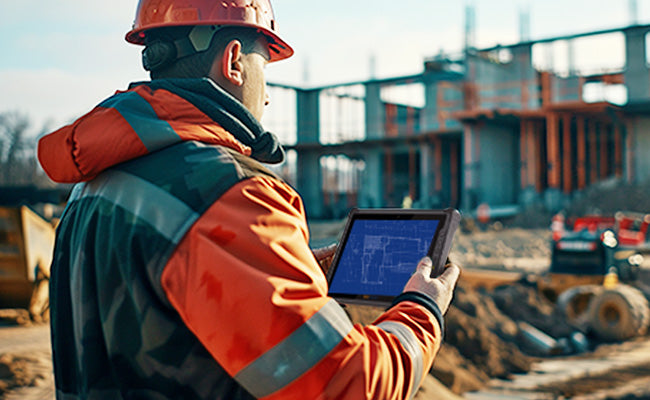


How to Choose the Best Rugged Tablet for Construction Work | Buyer Guide
Construction sites are harsh environments—dust, debris, drops, and extreme temperatures are part of the daily routine. A regular tablet won’t survive here, which is why investing in the right rugged tablet for construction work is crucial. But with so many options on the market, how do you pick the one that meets your team’s needs? In this buyer guide, we’ll break down the key factors to consider, from durability certifications to battery life, so you can make an informed decision.

First, start with durability certifications. The most important standard for rugged devices is MIL-STD-810G, which tests devices against drops, shocks, vibration, and extreme temperatures. Look for a rugged tablet that meets or exceeds this standard—ideally, one that can withstand drops from 6 feet or more onto concrete. Additionally, IP (Ingress Protection) rating is a must: IP68 is the highest, meaning the tablet is fully dust-tight and can be submerged in water for extended periods. This is non-negotiable for construction sites where rain or water spills are common.
Next, consider battery life. Construction workers are on the go all day, often without access to power outlets. A good rugged tablet should have a battery life of at least 10 hours, and ideally, support fast charging or hot-swappable batteries. Hot-swappable batteries allow workers to replace a dead battery with a fully charged one without shutting down the device, keeping productivity high.
Display quality is another key factor. Construction sites can be bright, so a sunlight-readable display is essential. Look for a tablet with a high-brightness screen (at least 1000 nits) and a capacitive touchscreen that works with gloves—workers often wear work gloves and can’t remove them to operate the device. A large screen (10 inches or more) is also helpful for viewing blueprints and construction plans.
Finally, consider connectivity and software. The tablet should support 4G/5G connectivity to stay connected in remote construction sites where Wi-Fi is unavailable. It should also run a reliable operating system, such as Windows 11 or Android, and be compatible with construction software like AutoCAD Mobile or Procore. Additionally, look for extra features like a built-in barcode scanner or RFID reader, which can streamline inventory management and asset tracking.
To sum up, when choosing a rugged tablet for construction work, prioritize durability (MIL-STD-810G, IP68), long battery life, sunlight-readable display, and strong connectivity. By focusing on these factors, you’ll find a tablet that can withstand the harsh conditions of construction sites and help your team work more efficiently. If you’re looking for recommendations, our ONERugged M10T rugged tablet checks all these boxes and more—learn more about it here.


Hinterlasse einen Kommentar
Diese Website ist durch hCaptcha geschützt und es gelten die allgemeinen Geschäftsbedingungen und Datenschutzbestimmungen von hCaptcha.