


Artikel: Which is better, an iPad or an Android/Windows tablet?
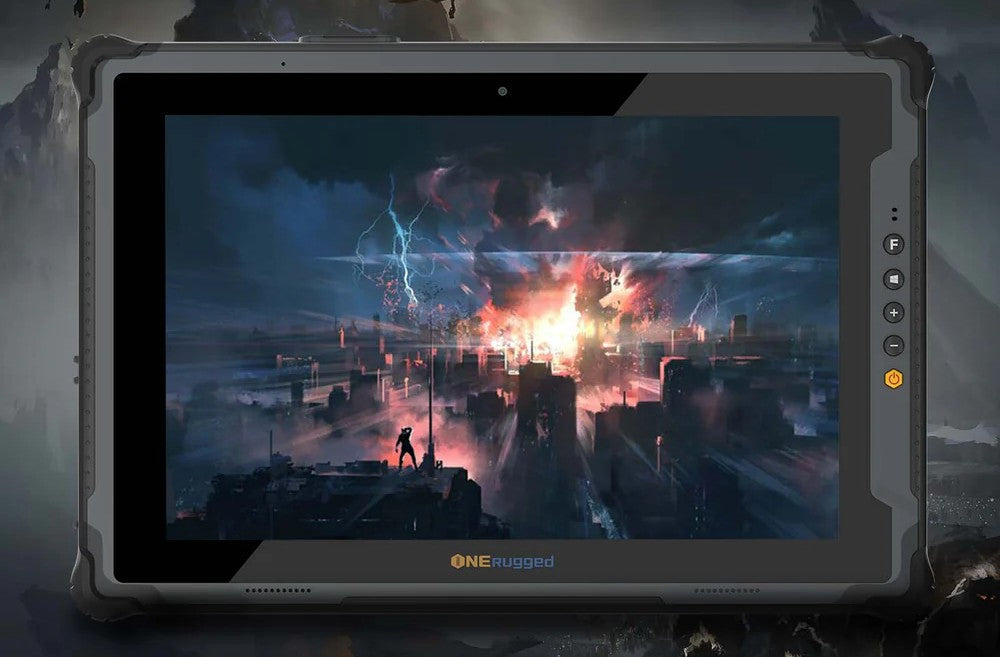
Which is better, an iPad or an Android/Windows tablet?
Which is better, an iPad or an Android/Windows tablet? There is no absolute "better" one; it depends on your needs and budget. Here’s a breakdown to help you decide:

I. iPad (Apple)
1. Pros:
① Premium Ecosystem: Seamless integration with other Apple devices (iPhone, Mac, Apple Watch, AirPods). Features like Handoff, Universal Clipboard, and AirDrop are incredibly smooth.
② Software & Longevity: iPadOS is optimized, receives updates for 5-7 years, and has a massive library of high-quality, tablet-optimized apps, especially for creative work (Procreate, Adobe Fresco) and note-taking (GoodNotes, Notability).
③ Performance: Apple's chips (M-series, A-series) are industry-leading, offering exceptional speed and efficiency for years.
④ Accessories: The Apple Pencil (especially Gen 2) and Magic Keyboard are top-tier, turning the iPad Pro/Air into a powerful laptop alternative.
⑤ Resale Value: iPads retain their value much better than most Android tablets.
2. Cons:
① Price: Generally more expensive, especially when you add accessories.
② Closed System: Less customizable. You're locked into Apple's rules, app store, and file management system.
③ Port Variety: Usually only USB-C (except the base model, which still uses Lightning), often requiring adapters.
④ Best for: Apple ecosystem users, creatives (artists, musicians), students wanting premium note-taking, professionals needing a reliable "lite" laptop replacement, and those who prioritize long-term software support.
II. Android Tablet (Samsung, Lenovo, Xiaomi, etc.)
1. Pros:
① Variety & Price: Huge range from budget ($100) to high-end (Samsung Galaxy Tab S9 Ultra). You can often get more features for less money.
② Customization & Freedom: More flexible home screens, sideloading apps, default app choices, and better file management (like a true file system).
③ Integration with Google/Windows: Works well with Google services. Samsung Dex (on high-end models) offers a desktop-like experience. Some integrate well with Windows PCs (e.g., Link to Windows).
④ Features: Often include expandable storage (microSD), higher refresh rate screens at lower prices, and sometimes even OLED displays in mid-range models.
2. Cons:
① Software Fragmentation: Android tablet apps can be hit-or-miss. Many are just blown-up phone apps. Fewer are optimized for large screens, though this is improving.
② Update Support: Typically shorter (2-4 years of major OS updates for most brands, though Samsung now offers up to 7 years on flagship models).
③ Performance Consistency: Can vary greatly between brands and models. Cheaper tablets may slow down quickly.
④ Resale Value: Drops significantly faster than iPads.
⑤ Best for: Android/Windows users, media consumers on a budget, those who want customization, users who prioritize multitasking features like Samsung Dex, and anyone who doesn't want to be locked into Apple's ecosystem.
III. Windows Tablet (Microsoft Surface, etc.)
1. Pros:
① Full Desktop OS: Runs full Windows 11, so you can use any desktop software (Office, Photoshop, desktop browsers, games).
② True Laptop Replacement: Often with kickstands and detachable keyboards, they are designed to be full PCs.
③ Versatility: The one device that can truly be both your tablet and your laptop.
2. Cons:
① Price: High-end Surfaces are as expensive or more than iPads.
② Tablet Experience: Windows is still less intuitive as a pure touch-based tablet OS compared to iPadOS or Android.
③ Battery Life: Often worse than ARM-based iPads and Android tablets.
④ Best for: Professionals who need a single device that MUST run full Windows applications (e.g., specific engineering software, advanced Excel).
IV. Quick Decision Guide:
1. Choose an iPad if: You're already in the Apple ecosystem, want the best app experience and longest support, are a creative professional, and are willing to pay a premium.
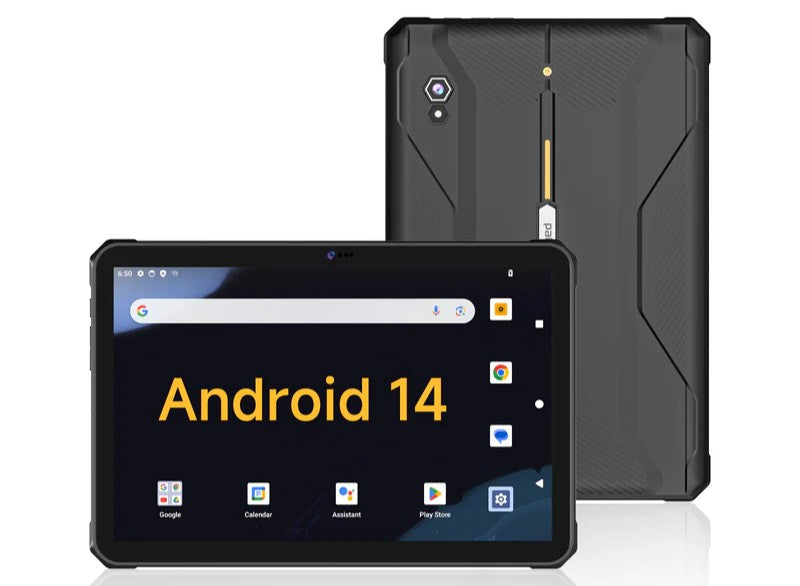
2. Choose an Android tablet if: You want better value, more customization, use Android/Windows, love multitasking features like Dex, or are primarily using it for media consumption, web browsing, and light work.
3. Choose a Windows tablet if: Your primary need is to run full desktop Windows programs on a portable, touch-screen device.

%0A%C2%A0%20%C2%A0%201...)
Hinterlasse einen Kommentar
Diese Website ist durch hCaptcha geschützt und es gelten die allgemeinen Geschäftsbedingungen und Datenschutzbestimmungen von hCaptcha.