


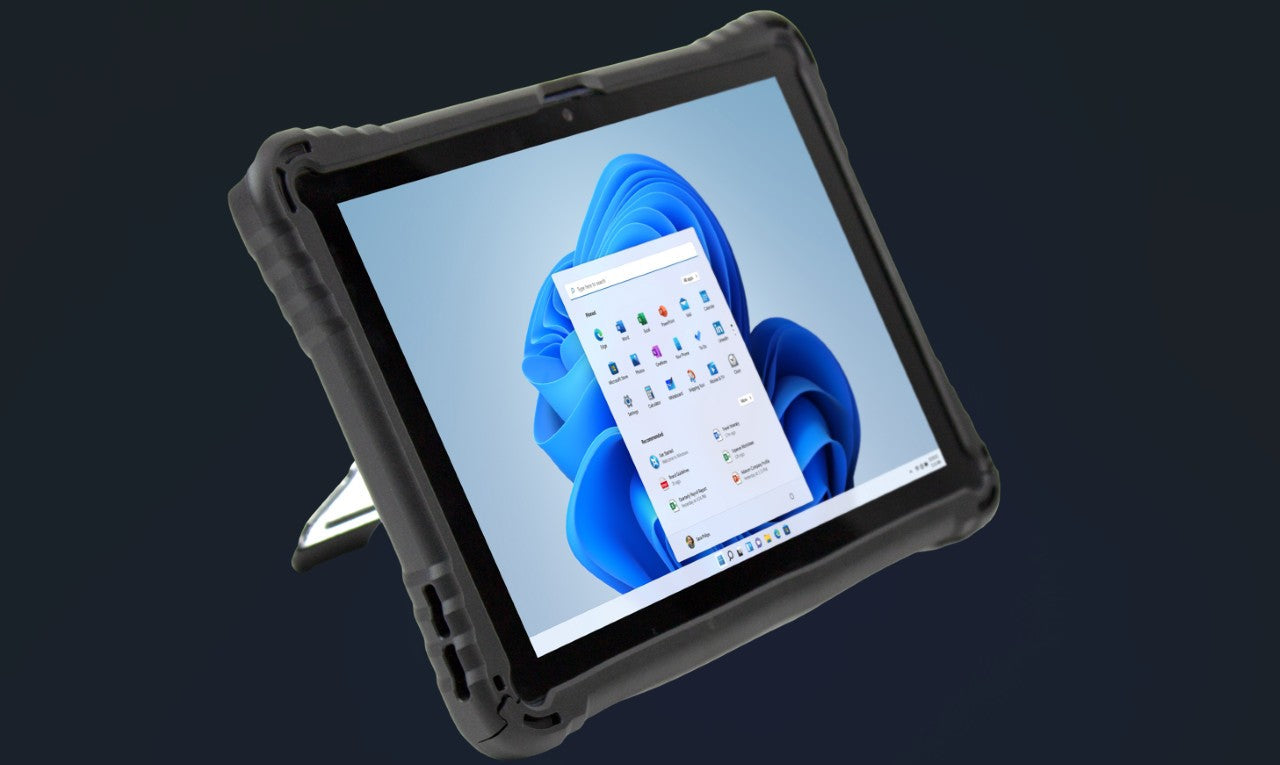
How to Extend the Service Life of Rugged Windows Tablets? Practical Maintenance Tips
Rugged Windows tablets are designed for harsh environments and have stronger durability than ordinary consumer-grade tablets, but their service life is still affected by daily use and maintenance. Reasonable maintenance can not only avoid unnecessary equipment failures but also extend the service life of the rugged Windows tablet, reduce the frequency of equipment replacement, and further save enterprise costs. Below are several practical maintenance tips for rugged Windows tablets, suitable for various industrial and outdoor application scenarios.
First, do a good job in daily cleaning and protection. Although the rugged Windows tablet has dust-proof and water-proof performance, it is still necessary to clean it regularly after use, especially in harsh environments such as oil pollution, dust, and humidity. When cleaning, avoid using corrosive cleaning agents; instead, use a soft dry cloth to wipe the screen and body, and use a small brush to clean the gaps of the interface to prevent dust accumulation from affecting the use of the interface. In addition, when not in use for a long time, it is recommended to put the rugged Windows tablet into a dry and clean storage bag to avoid collision and dust intrusion.
Second, pay attention to battery maintenance. The battery is the core component affecting the normal use of the rugged Windows tablet, and scientific maintenance can effectively extend its service life. Avoid overcharging or over-discharging the battery—when the battery power is lower than 20%, charge it in time, and disconnect the power supply in time after it is fully charged (preferably within 1-2 hours). For scenarios where the rugged Windows tablet is not used for a long time (more than 1 month), it is recommended to keep the battery power at 40%-60% and charge it once every 1-2 months to prevent battery loss. In addition, avoid charging the rugged Windows tablet in extreme temperature environments (below 0℃ or above 45℃), which will seriously damage the battery life.
Finally, standardize the use of equipment and regular inspection. When using the rugged Windows tablet, avoid violent operation, such as heavy pressure on the screen, forced plugging and unplugging of the interface, and throwing the equipment at will—even if it has military-grade drop protection, long-term violent operation will still damage the internal components. At the same time, it is recommended to conduct regular inspections (once a quarter) on the rugged Windows tablet, check whether the interface is loose, whether the screen is cracked, whether the system is running stably, and deal with potential faults in time to ensure that the equipment can be put into use normally when needed.



Leave a comment
This site is protected by hCaptcha and the hCaptcha Privacy Policy and Terms of Service apply.